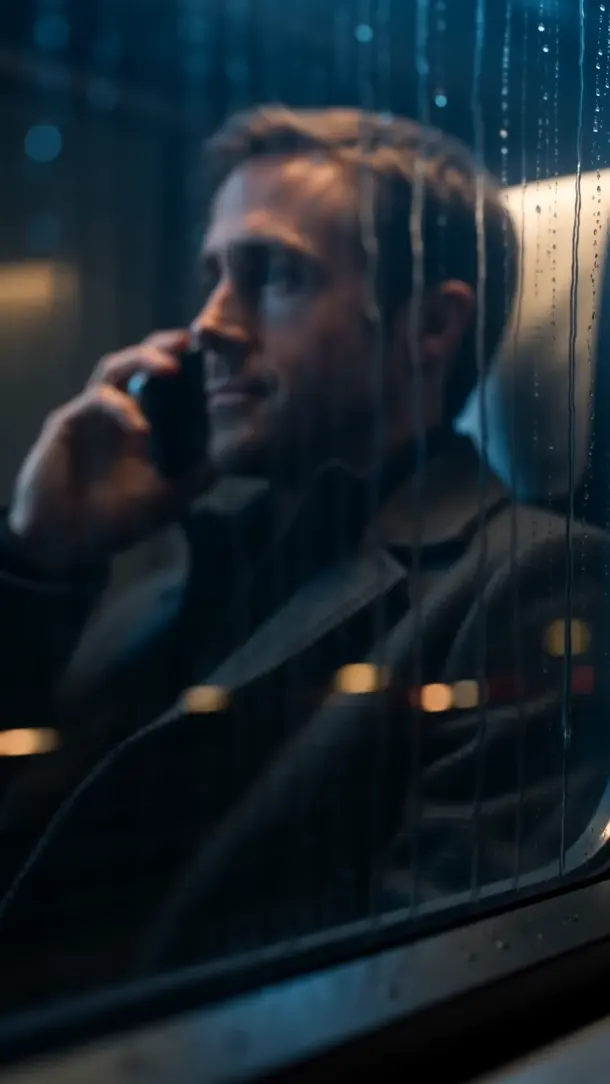
The train outside
A night train passes the lit window. On board, someone sends plans for the morning and chooses when new messages disappear from the chat.
Disappearing messagesUkrainian messenger
Private and group chats, voice and video calls, with tools to protect your chats and screen.
Android in closed testingOpen the photo from the train station. When you close it, the chat will show that it’s been viewed.
Are you on your way?
Yes. Here’s our train.
RAVEN demo chat
A night train passes the lit window. On board, someone sends plans for the morning and chooses when new messages disappear from the chat.
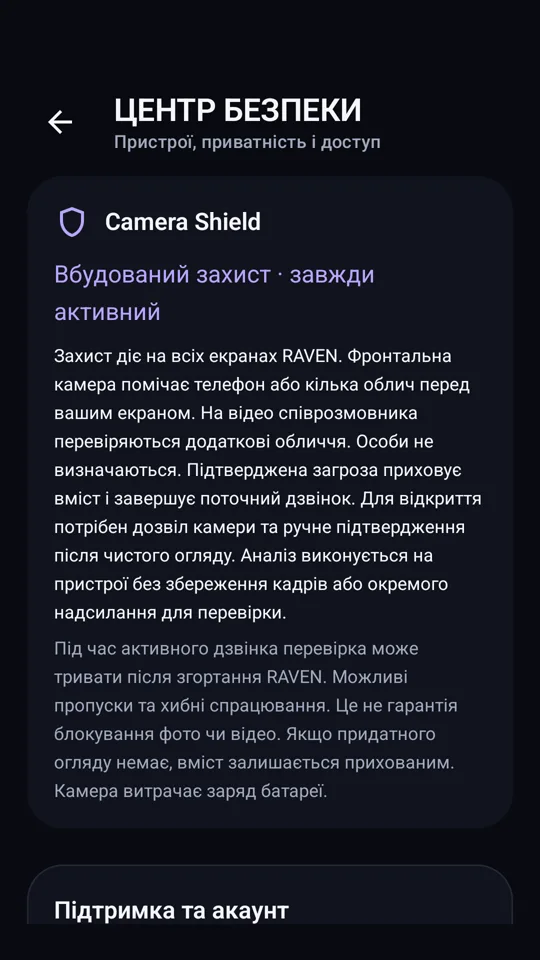
Disappearing messagesSomeone in the café leans in for a look. If Camera Shield detects a second face or another phone, it hides the chat.
Try Camera ShieldA video call opens another window. On screen, a familiar face in a room far from this city.
Voice and video callsSend your first message and see the conversation from both sides.
Waiting for a message
Interactive demo
Choose what appears in front of the screen to see how Camera Shield responds.
There’s something I only want to tell you.
I’m here. Call when you can.
Chat hidden
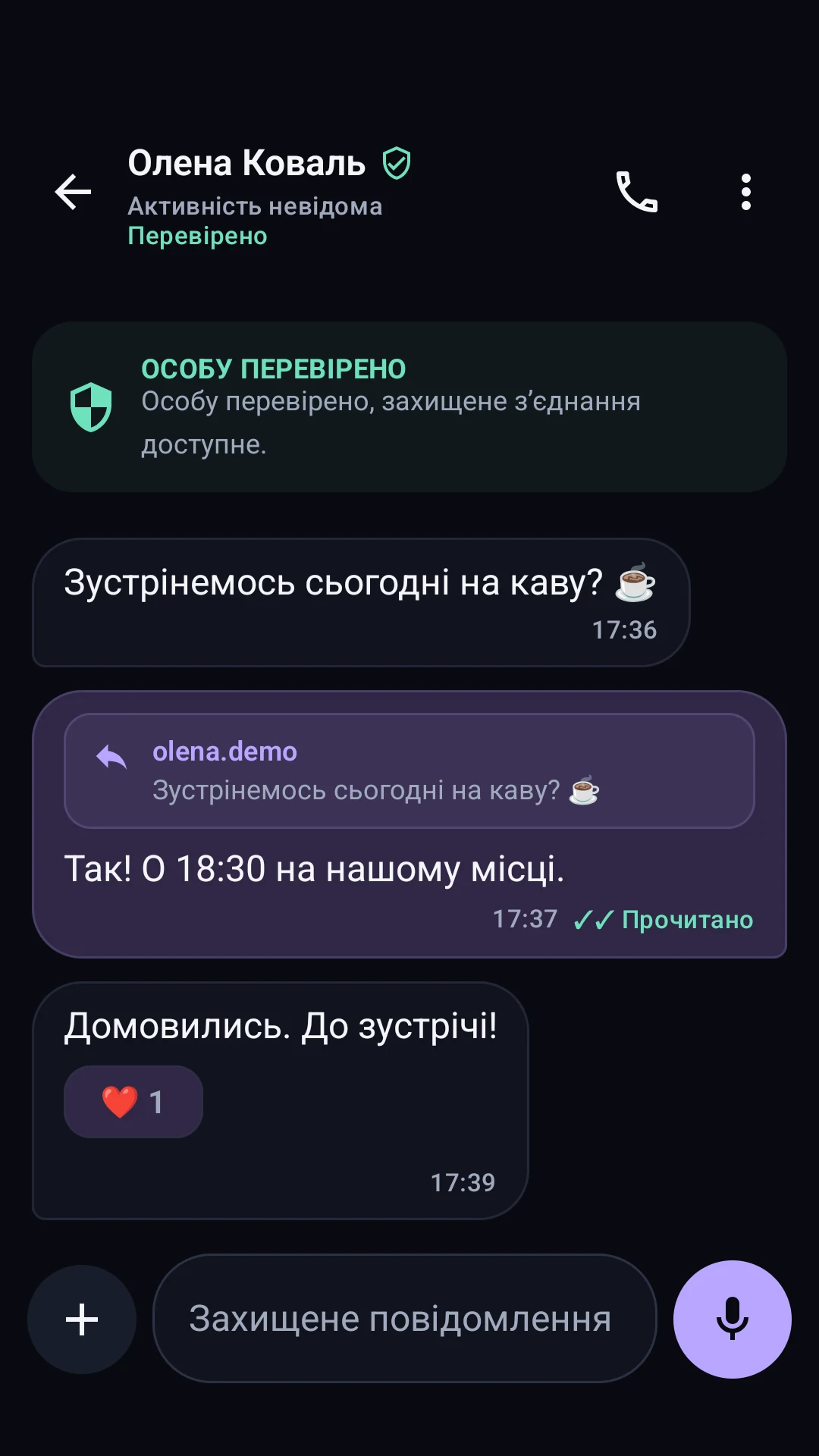
Reply to individual messages, add reactions, and see when a message has been read.
Record a voice message and listen back before you send it.
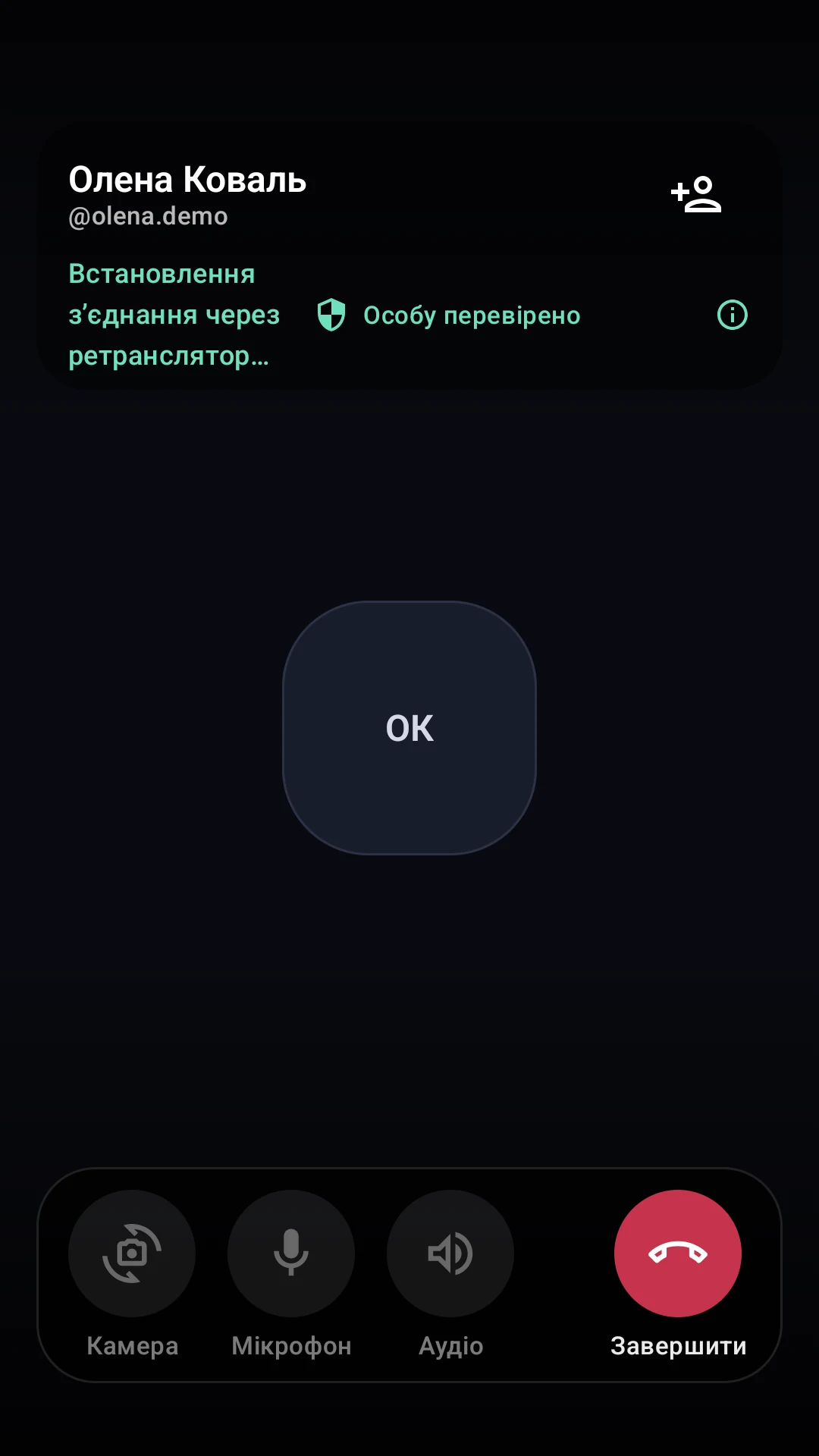
Start a video call right from the chat. Control your microphone and switch cameras during the call.
Camera Shield
Conversation hidden
Camera Shield hides the conversation when it detects another phone or a second face in front of the screen.
Try Camera ShieldFrom a quick message to making plans in a group.
Hear a familiar voice or catch up face to face.
Verify contacts and protect what’s on your screen.
Send a text, voice message, photo, or video. Reply to individual messages and react with an emoji.
Bring friends, family, or your team into one chat. Make plans and share what matters to everyone.
Start a voice or video call right from a chat. Control your microphone during the call and switch cameras during video calls.
Screenshots from the Ukrainian RAVEN demo for Android
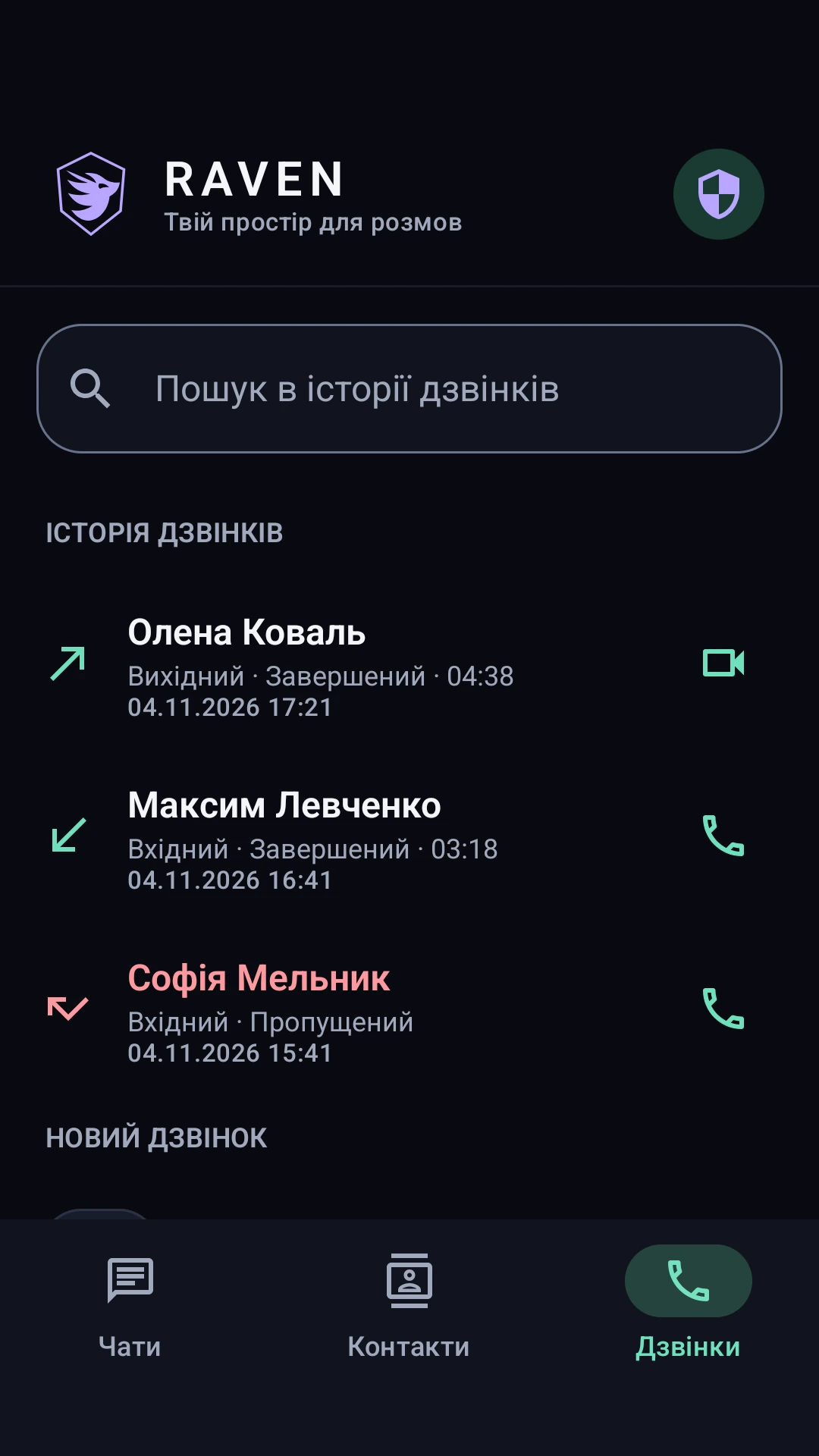
Call straight from a chat when it’s easier to talk or you want to see someone face to face.
Privacy
Contact verification helps you confirm who you’re talking to. Screen protection and Camera Shield help limit who can see what’s on your display.
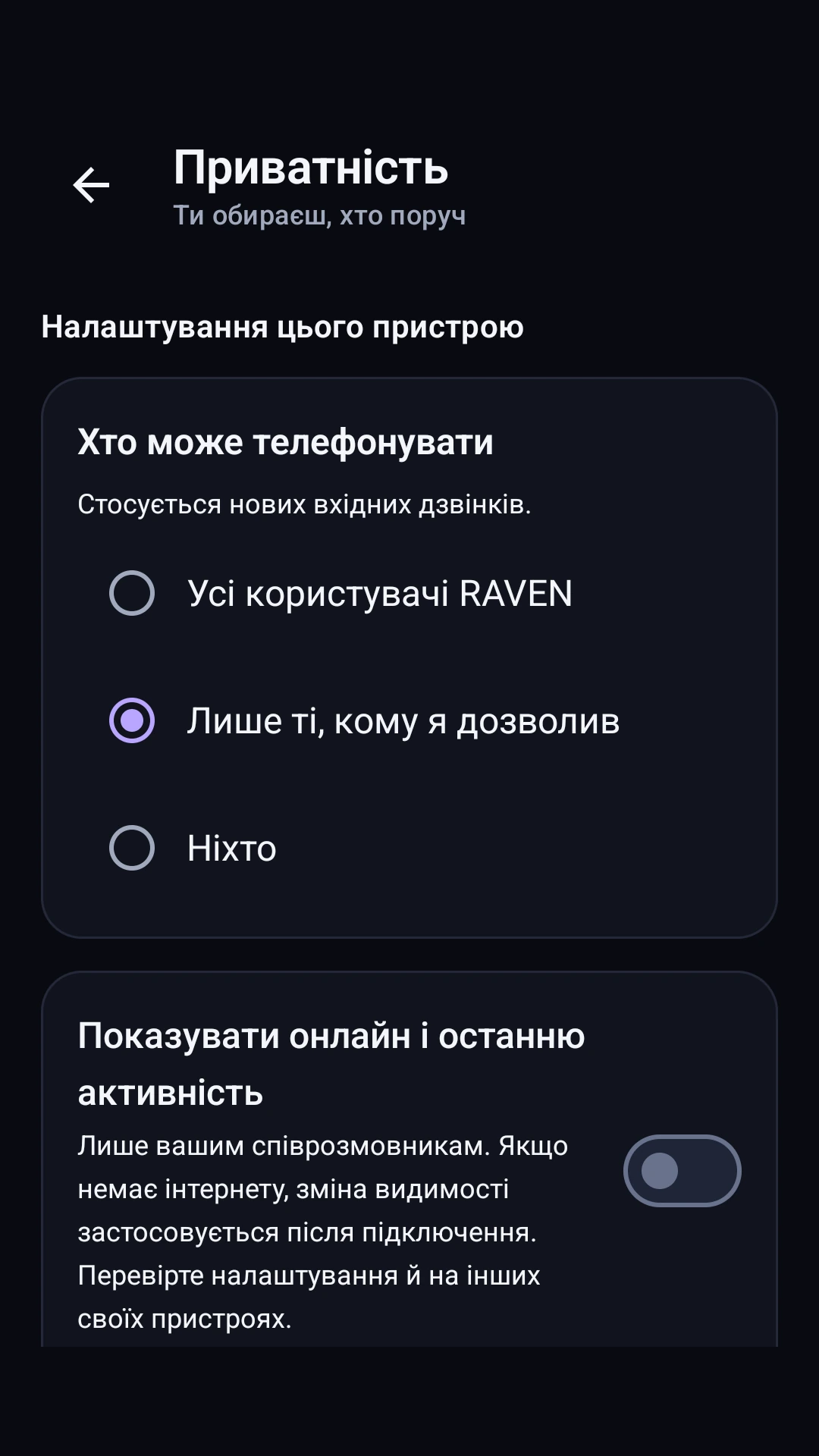
Allow calls from everyone or just the people you choose. You can set your online visibility separately.
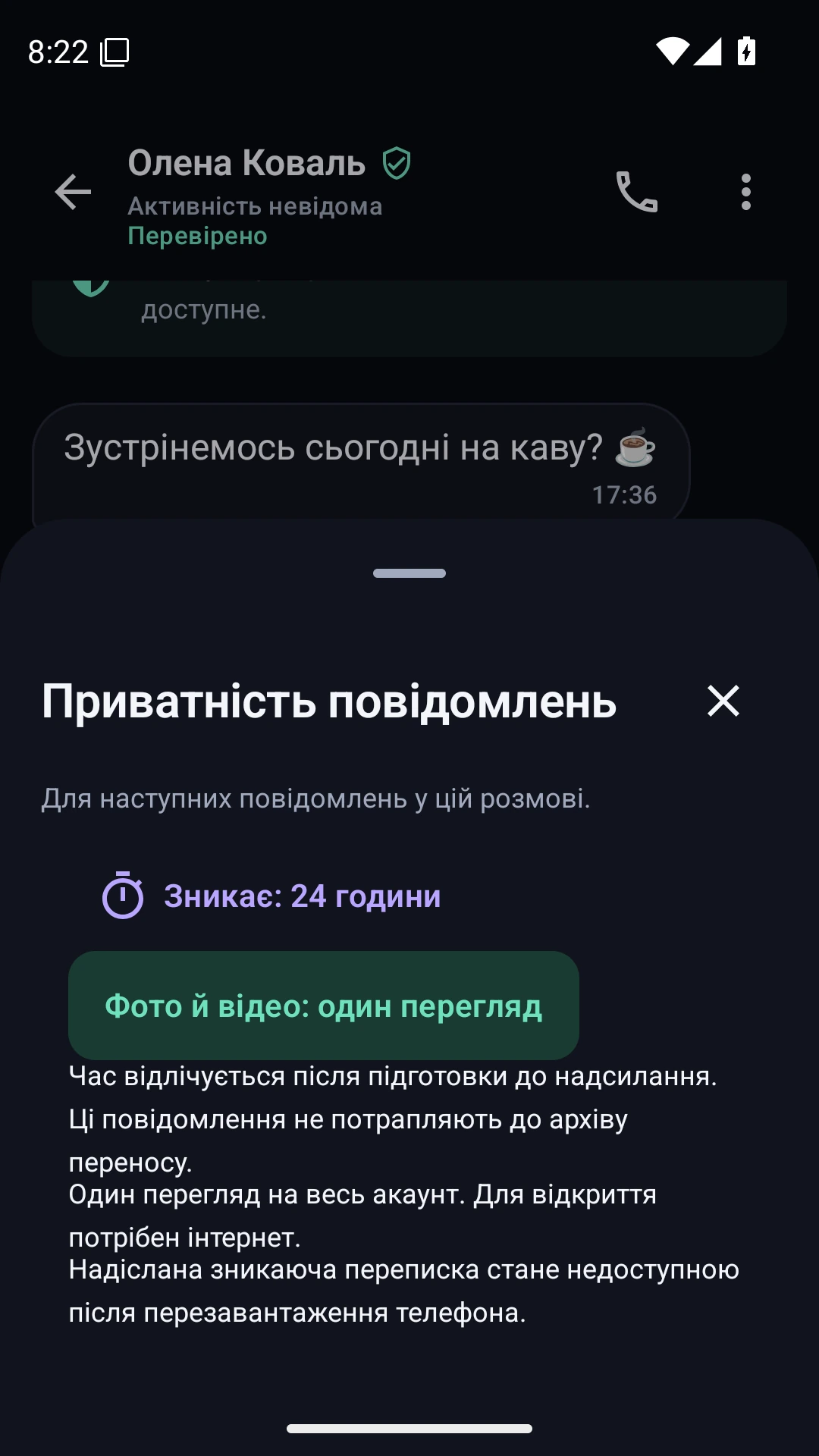
Set a timer for new messages in a chat or send a photo or video that can be viewed once.
Closed testing on Google Play
If you’ve been invited, open the test with the same Google account. Contact the RAVEN team to ask about joining.
Open test in Google Play Ask to join on TelegramIn development
Follow progress on the iPhone version and watch for the availability announcement.
RAVEN on Telegram iOS development status
Choose your platform. Leave your email for news about Android testing or iPhone availability.
The Android app is available to closed testers on Google Play. A public release date hasn’t been announced.
Yes. The iOS version is in development.
RAVEN blocks screen recordings and screenshots on protected screens in the Android app. Camera Shield addresses external cameras.
It analyzes the front camera view and hides the chat when it detects another phone or a second face in front of the screen. Detection depends on what the camera can see.
Open contact verification in the app. Compare the safety number through a separate trusted channel, then scan the QR codes shown on your contact’s active devices.
Follow the official RAVEN Telegram for updates. Android installation is currently available to closed testers.